Local GUI Logger
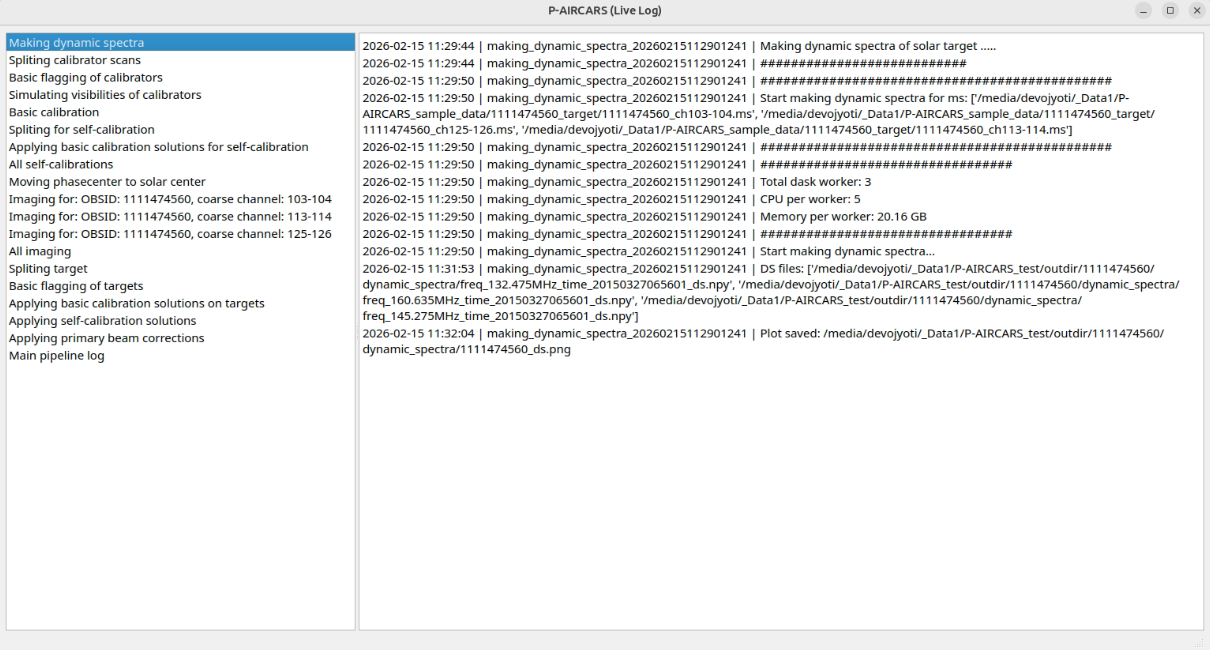
If P-AIRCARS is running in local environment, its logs can be seen using a local GUI logger.
To start and view local GUI logger, run the following command. It will open a pop-up window. Select the log directory
<obsid>_<jobid>_target/logsto view the logs.run-mwa-mwalogger --jobid <jobid>
If user forget P-AIRCARS <jobid>, but knows the log directory, run:
run-mwa-mwalogger --logdir </full/path/to/logdir>
Note
Log directory is generally at <workdir>/<target_obsid>_<jobid>_target/logs.
This will open the local GUI logger as shown below:
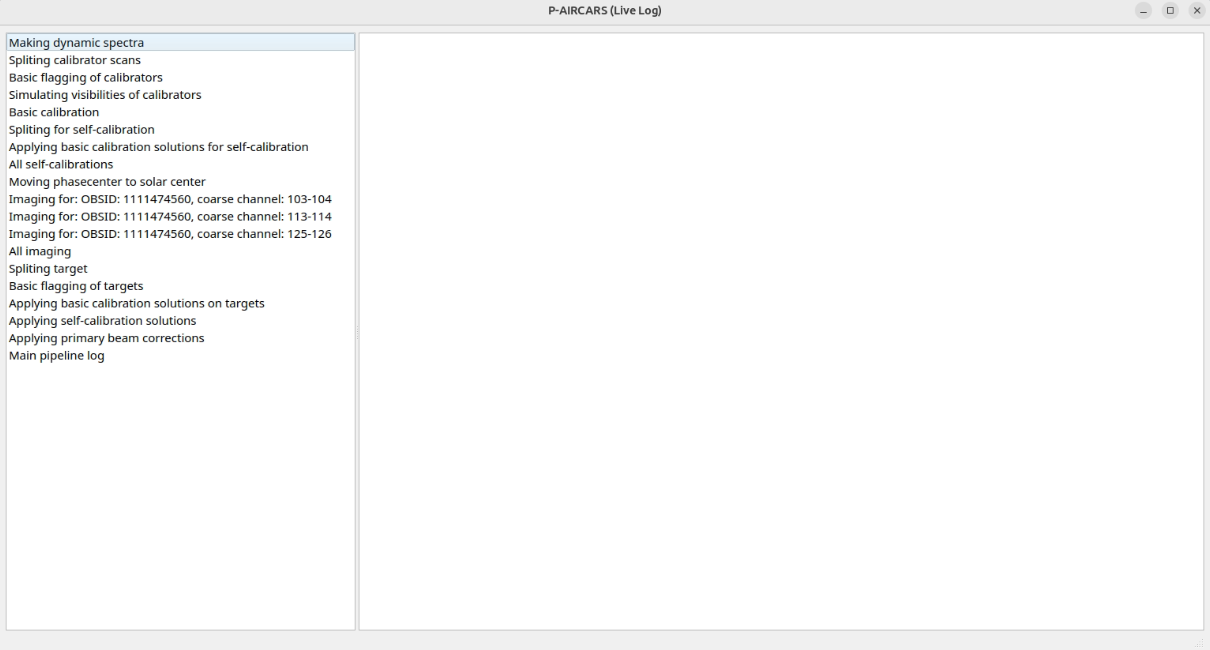
Different logs are shown in the left panels. Once new jobs are started, this list will automatically updated.
To view any of these logs, click on the name. It will display the live-log in the right panel and continuously updating it. To view another log, simply click on the other log name and the right panel will be updated with that log. A demonstration is shown below.